07
5 Essential Cybersecurity Tools Every Organization Needs to Survive
A beginner-friendly guide to the five foundational cybersecurity tools every organization must implement. Covers endpoint protection, password management, MFA, backups, and network monitoring to build a robust defense strategy.
5 Essential Cybersecurity Tools Every Organization Needs to Survive
In the digital age, cybersecurity is no longer just an IT concern—it is a business survival requirement. Whether you are a small startup or a growing enterprise, the threat landscape is constantly evolving.
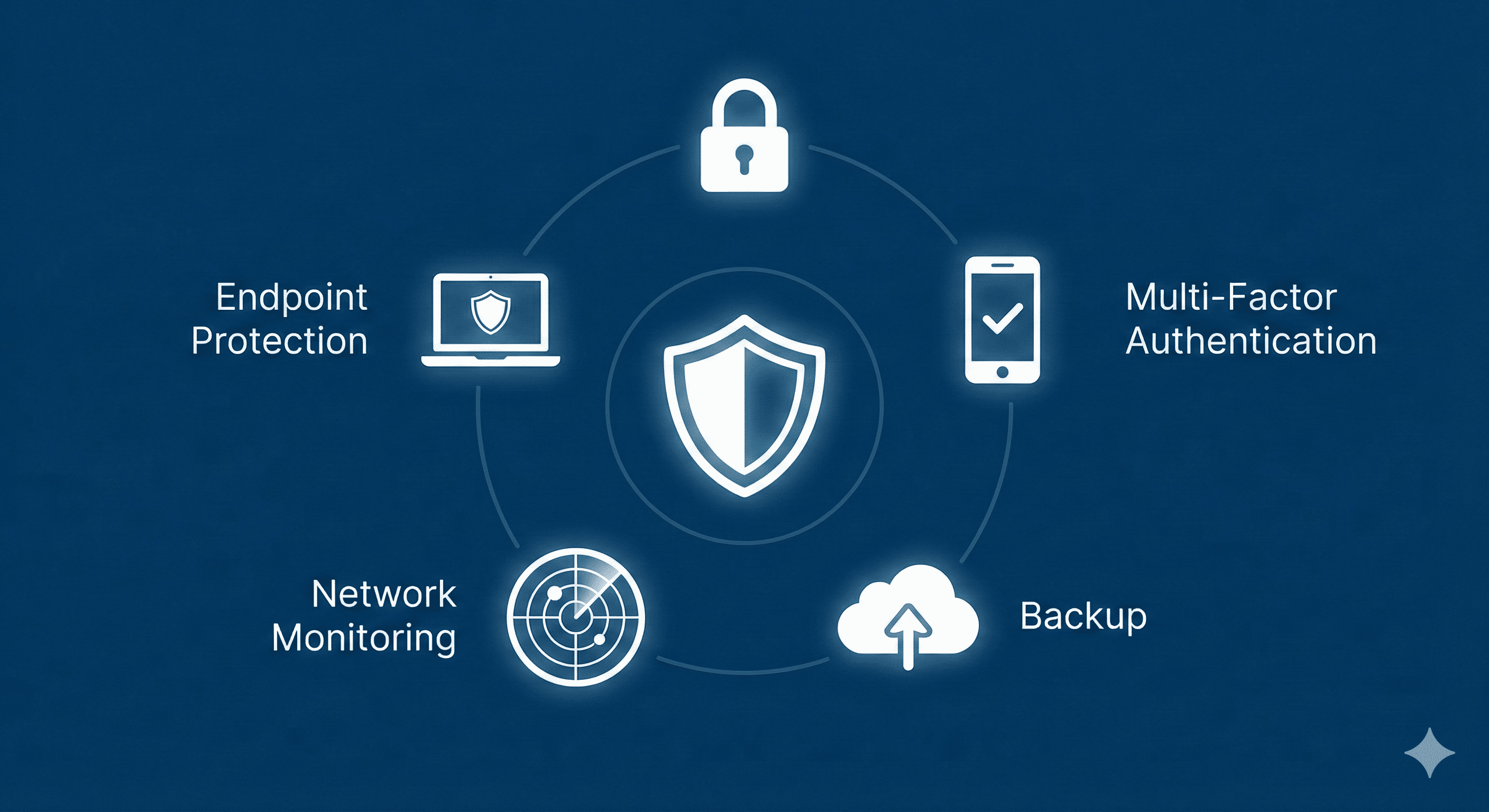
The good news? You don't need a complex, military-grade command center to stay safe. By implementing a few "must-have" tools, you can defend against the vast majority of common cyber threats. This guide breaks down the five functional pillars of a strong security posture.
1. Endpoint Protection (EPP/EDR)
The Function:
Gone are the days when simple antivirus software was enough. Modern "endpoints" (laptops, desktops, servers, and mobile devices) are the primary gateways for attackers. Endpoint Protection Platforms (EPP) and Endpoint Detection and Response (EDR) tools do more than just scan for known viruses; they use behavioral analysis to spot suspicious activity, stop ransomware in its tracks, and isolate infected machines before threats spread.
Why it matters:
Your employees are mobile, often working outside the safety of the office firewall. Endpoint protection travels with the device, securing it wherever it connects.
- Key Features to Look For: Real-time malware blocking, ransomware remediation, and centralized management dashboards.
- Top Examples: CrowdStrike Falcon, SentinelOne, Microsoft Defender for Endpoint.
2. Enterprise Password Managers
The Function:
Weak, reused, or sticky-note passwords remain one of the biggest security gaps in any organization. An enterprise password manager provides a secure, encrypted vault for storing login credentials. It allows employees to generate complex, unique passwords for every service without needing to memorize them.
Why it matters:
If one employee uses the same password for LinkedIn and their corporate email, a breach on one site compromises your entire network. Password managers eliminate this risk by enforcing hygiene.
- Key Features to Look For: Admin controls to revoke access, "zero-knowledge" encryption, and secure sharing capabilities between teams.
- Top Examples: 1Password, Bitwarden, LastPass Enterprise.
3. Multi-Factor Authentication (MFA) Tools
The Function:
Multi-Factor Authentication adds a second layer of verification beyond just a password. This is usually something you have (a smartphone or hardware token) or something you are (biometrics). Even if a hacker steals a password, they cannot access the account without this second factor.
Why it matters:
MFA is arguably the single most effective deterrent against account compromise. Microsoft estimates that MFA can block over 99.9% of account compromise attacks.
- Key Features to Look For: Push notifications (easier than typing codes), biometric integration, and support for hardware keys (like YubiKeys).
- Top Examples: Duo Security, Microsoft Authenticator, Okta Verify.
4. Backup and Disaster Recovery Solutions
The Function:
Security tools can fail. Employees can make mistakes. Disasters happen. Backup and recovery tools ensure that if your data is encrypted by ransomware or deleted by accident, you can restore it quickly. The industry standard is the 3-2-1 rule: 3 copies of data, on 2 different media types, with 1 stored offsite (cloud).
Why it matters:
In a ransomware attack, a robust backup system is the difference between paying a massive ransom or simply wiping the system and restoring from yesterday's save.
- Key Features to Look For: Automated daily backups, immutable storage (backups that cannot be altered or deleted by ransomware), and fast recovery times.
- Top Examples: Veeam, Acronis Cyber Protect, Datto.
5. Network Monitoring and Visibility
The Function:
You cannot protect what you cannot see. Network monitoring tools act as a surveillance system for your digital traffic. They analyze data flowing in and out of your network to detect anomalies—like a printer sending gigabytes of data to a foreign country or a user logging in at 3 AM from an unusual location.
Why it matters:
Attackers often lurk in networks for weeks or months before striking. Monitoring tools help you detect these "dwellers" early, allowing IT teams to investigate strange behavior before it becomes a breach.
- Key Features to Look For: Traffic analysis, automated alerts, and integration with other security tools (SIEM).
- Top Examples: SolarWinds Network Performance Monitor, PRTG Network Monitor, Darktrace.
Conclusion
Building a secure organization doesn't require buying every tool on the market. By focusing on these five essentials—securing the device, locking down access, verifying identity, backing up data, and watching the network—you build a resilient foundation that can weather most storms.
Start with these basics, and you will already be ahead of the curve.
Contact
Missing something?
Feel free to request missing tools or give some feedback using our contact form.
Contact Us